



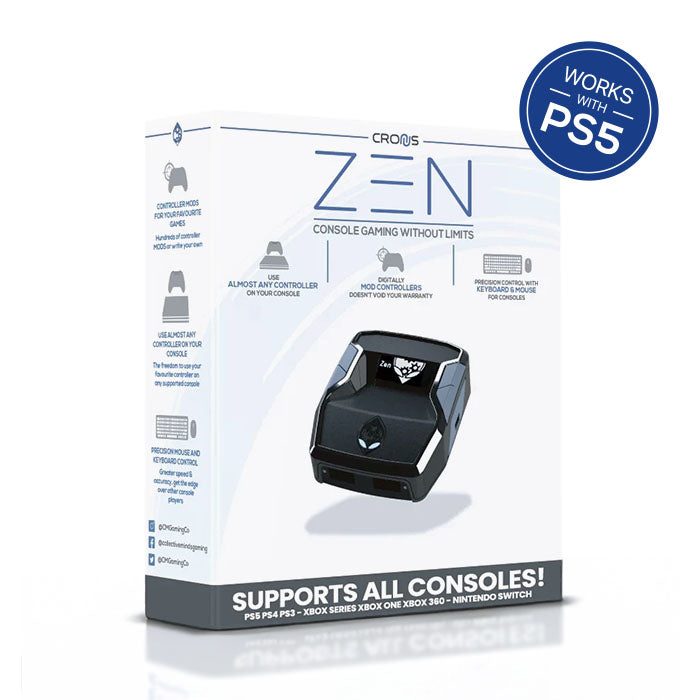
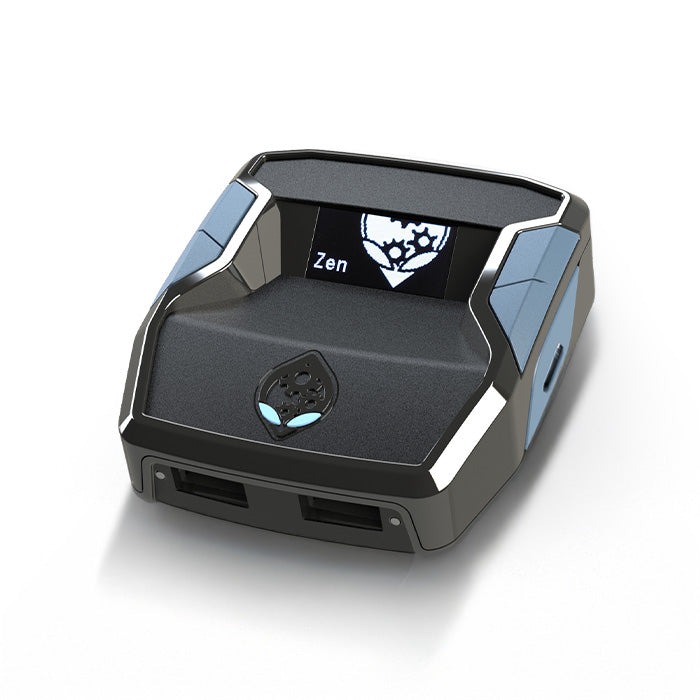
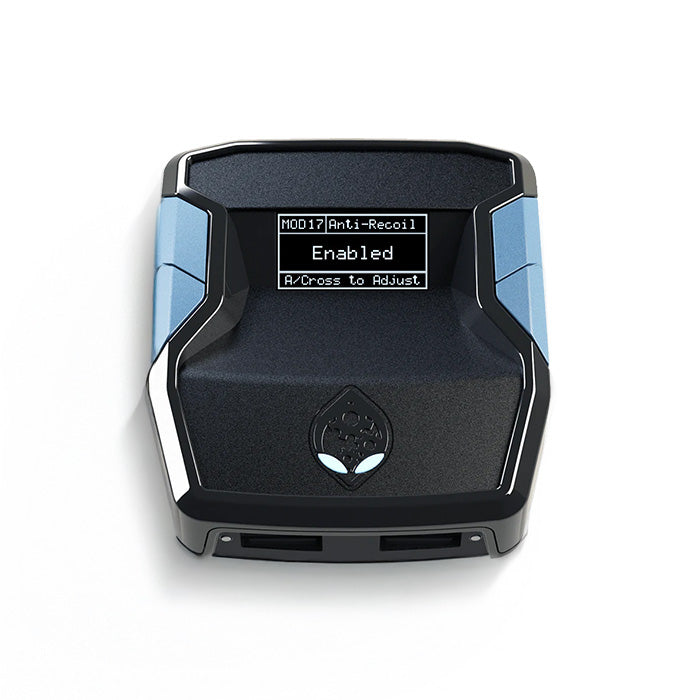
Cronus Zen: USB-C Console & PC Adapter
Gaming without limits.
Cronus Zen unlocks the full potential of your controller and adds more features than ever before. Redesigned from the ground up, the latest Cronus Zen offers the ultimate crossover gaming experience.
Use your preferred controller or mouse & keyboard on the PS5*, Xbox Series X|S, PS4, Xbox One, Nintendo Switch, PS3, Xbox 360 or Windows PC. There are no limits.
Use official GamePacks and thousands of free mods developed by the Cronus community for the latest games and turn your controller into a powerful weapon. Anything is possible: rapid fire, anti-recoil, aim assist, aim abuse, quickscope, strafing, drop shot, fast reload, auto sprint, sniper breath, steady aim and much more…
(1) Cronus Zen (USB-C version)
(1) 0.3m USB-C cable
(2) 0.9m USB-C cables
(1) 0.9m Micro-USB cable
(1) Quick Start Guide
To use the Cronus Zen to its full extent, advanced knowledge of setting and connection options and of operating the Zen Studio software in English is required.
Especially for use on the PS5, we recommend studying the information on the different connection options in detail. You'll find information on PS5 support further down this page or in the official Cronus Zen Guide.
If you have any questions or anything is unclear, feel free to contact our support team.

🔹 PlayStation 5 support.
This Cronus Zen is compatible with all PS5 consoles and works without restrictions with the latest PlayStation 5 system software.
There are several ways to connect the Cronus Zen to the PS5. Here we explain the most important differences.
Decide for yourself which method works best for you or contact our support team, if you need further assistance.
WiFi adapter.
The ZenLink WiFi Adapter is a new expansion for the Cronus Zen that enables full PS5 support and will add new and exciting features in the future, so the Cronus Zen keeps evolving.
After a one-time setup on a PC, the ZenLink can be used on its own with the Cronus Zen and the PS5, without a permanent connection to the PC. This works via PlayStation's official Remote Play system, but without the typical input lag that can occur with other solutions.
This method supports:
✅ All PS5 consoles
✅ Current PS5 system software
✅ All PS5 games
✅ All DualSense features
✅ BEAM2.0 GamePacks
You'll find more information on use and setup in the official Cronus Zen Guide.
Direct USB connection.
The bypass method lets you connect the Cronus Zen directly to your PS5 without needing an additional adapter.
This method supports:
✅ All PS5 consoles
✅ Current PS5 system software
✅ All PS5 games
✅ All DualSense features
✅ BEAM2.0 GamePacks
Simply follow this guide, to connect the Cronus Zen to your PS5 via USB.
USB adapter.
The Besavior P5Mate is a native USB adapter and allows a direct and secure connection between the Cronus Zen and your PS5 console. Remote Play is no longer required. Direct, lag-free control via USB.
This method supports all PS5/ PS4 games and is compatible with any PS5 system software.
The Besavior P5Mate is a simple plug & play adapter and requires no setup and no additional software.
Now also available as the Cronus Zen PS5 Bundle in our shop.
Remote Play adapter.
The Beloader Pro serves as a local, lag-free Remote Play client and is a handy and reliable solution for using the Cronus Zen on your PS5.
This method supports all PS5 and PS4 games and is compatible with any PS5 system software.
The Beloader Pro requires a network connection via LAN. A Windows PC is needed for the one-time setup to pair the adapter with your PSN account and the PS5.
Also available as the Cronus Zen PS5 Bundle in our shop.
USB adapter.
The Besavior Elite Controller thanks to its unique interface, can be used purely as a USB adapter to create a direct connection between the Cronus Zen and your PS5 console.
This means Remote Play is no longer required, and you can benefit from direct, lag-free control via USB.
This method supports all PS5/ PS4 games and is compatible with any PS5 system software.
Also available as the Cronus Zen PS5 Bundle in our shop.
This is a built-in Cronus Zen feature and an early workaround to play all PS4 games and some PS5 games without Remote Play.
This method allows a direct, lag-free USB connection. However, a licensed third-party PS4 controller (e.g. HORI Mini-Pad or Nacon Compact Controller) is additionally needed for authentication.
Supported:
- All PS4 games
- Most PS5 games released before August 2021
- No PS5 games released after August 2021
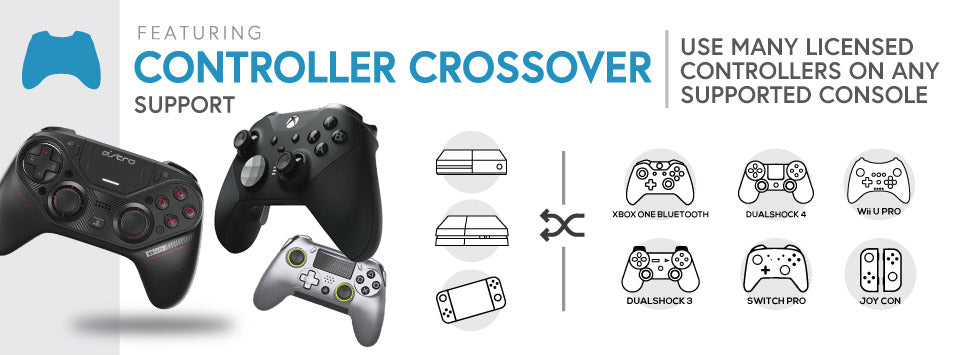
Controller Crossover Support
Cronus Zen lets you use your preferred licensed gaming controller on all major gaming platforms, including all versions of PlayStation 5, Xbox Series X|S, PlayStation 4, Xbox One, Nintendo Switch, PlayStation 3 and Xbox 360. Windows PCs are also supported, and a connection to devices such as Android and Raspberry Pi is possible.
By letting you combine and customize different devices, the Cronus Zen gives you maximum freedom for your personal playstyle. Both analog stick control, to enable player movements with the precision of a gaming mouse, and the use of a controller in combination with a keyboard, where each individual key can be assigned any number of scripts or mods, are supported.
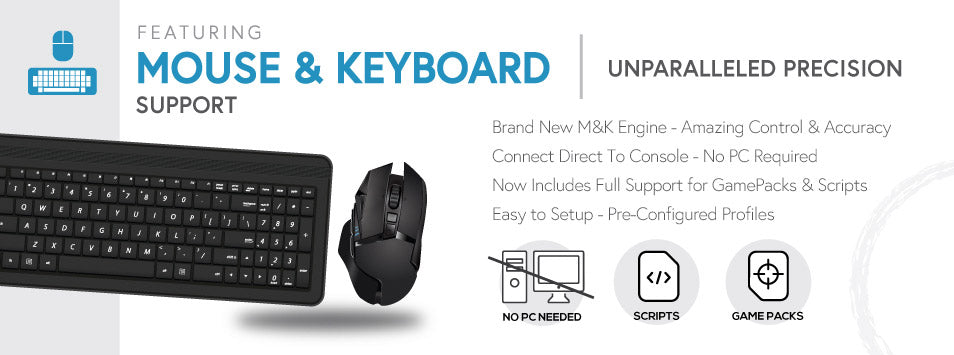
Mouse & Keyboard
Get the decisive advantage in your favorite FPS games with the advanced, lag-free 1:1 controller-to-mouse conversion. Cronus Zen offers maximum speed and aiming accuracy for console shooters, optimized for the most popular FPS games such as Fortnite, Apex Legends, Call of Duty, Battlefield and many more. The Cronus Zen is always recognized as a controller, which means there are no segmented lobbies: you compete directly against other controller users.
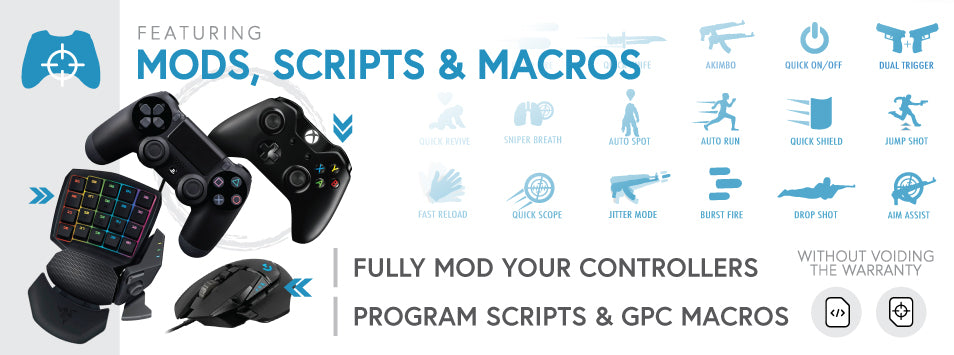
Mods, Scripts & Macros
With the powerful GPC scripting language, you can use the full potential of your controller without special chips or soldering. It lets both beginners and advanced users run millions of possible mod combinations on a controller. Originally developed for the award-winning CronusMAX PLUS, the GPC library contains thousands of ready-to-use scripts for the latest games, updated daily by the Cronus community of over 190,000 members. All CronusMAX scripts are also compatible with the Cronus Zen, although some scripts may need to be updated. If you want a script updated to be compatible with the new Zen script engine, simply contact the author or a staff member in the community.
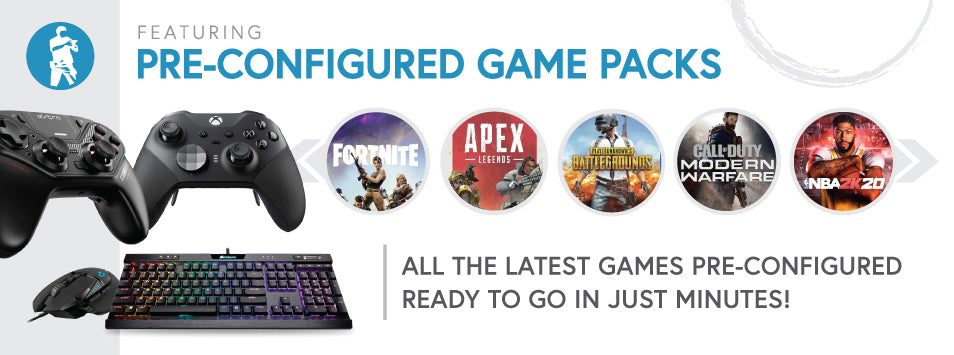
GamePacks
Preconfigured GamePacks are created by experienced players of the Cronus community who spend hundreds of hours testing the latest games and trying out the most popular mods and exploits, which are then developed individually for each game.
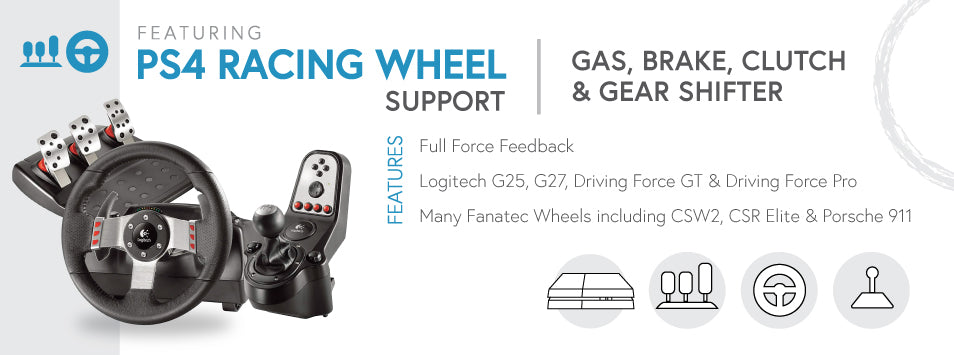
Racing wheel support
With Cronus Zen, you can breathe new life into your old racing wheel. Cronus Zen now supports the Logitech Driving Force GT, Logitech G25 and Logitech G27 wheels, as well as many Fanatec wheels that are fully functional on a PS4 console, including full force feedback, pedals and shifter support.
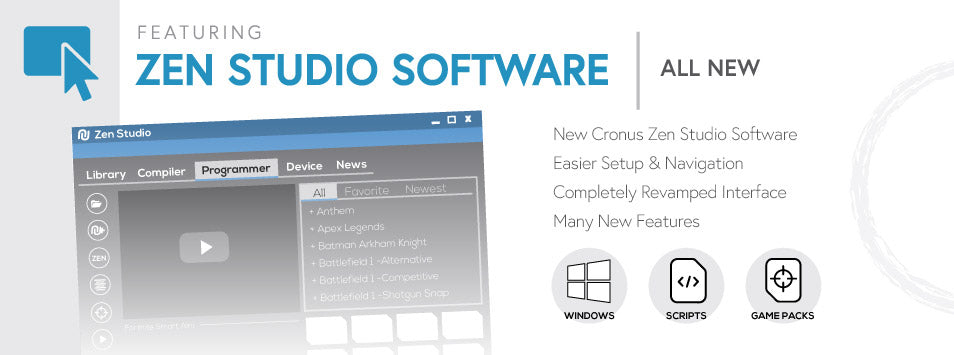
Zen Studio Software
The Zen Studio software for Windows is the heart of the Cronus Zen and gives easy access to the most advanced mods, scripts and macros. Download them directly from the GPC library or choose a preconfigured GamePack created by experienced players of the Cronus community. In addition, Zen Studio offers many great plug-in features, such as M&K Settings (to set up and configure mouse and keyboard), MAX Combo (to record your controller inputs directly in the GPC script) and MAX Mapper (to remap any buttons, analog sticks or sensors, as well as sensitivity adjustments for each button and advanced sensitivity adjustments for analog sticks).
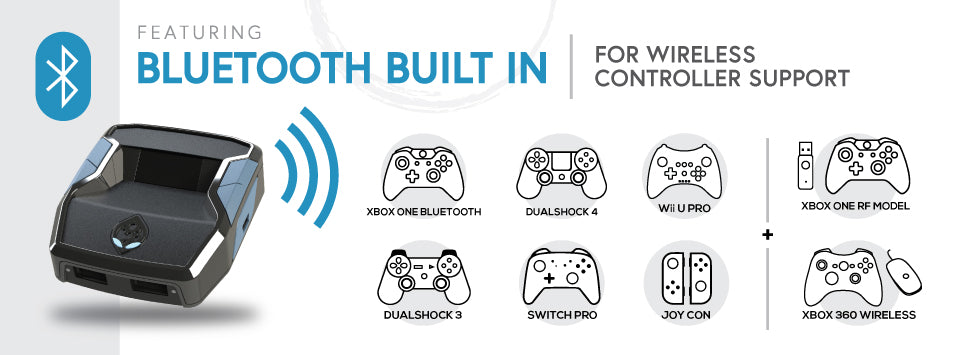
Bluetooth connection
Connect any compatible wireless Bluetooth controller directly to the Cronus Zen in seconds, without expensive add-ons or third-party USB Bluetooth adapters. The Cronus Zen also supports the Xbox Series X|S as well as Xbox One and Xbox 360 wireless adapters (using the Xbox One Wireless Adapter v2 via Bluetooth is strongly recommended).
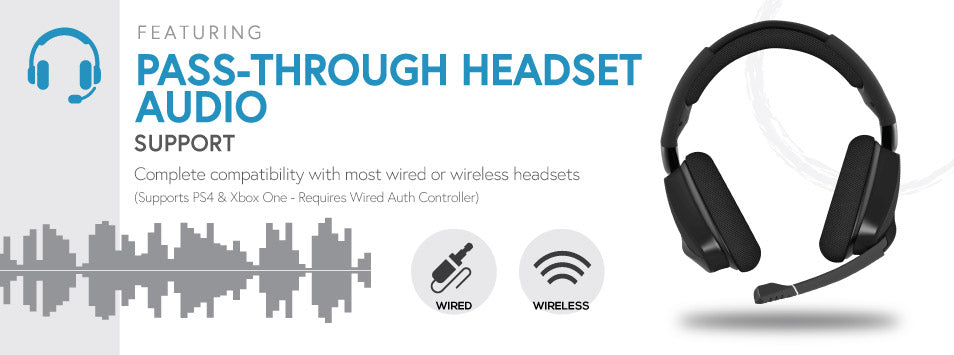
Headset Support
Connect your gaming headset directly to your controller with Cronus Zen. This includes full support for in-game audio and party chat. If your controller does not support audio (e.g. Bluetooth controllers), there is a special feature that allows a connection to a wired pass-through controller that supports audio. All Xbox One controllers that use the Xbox One Wireless Adapter, as well as the ASTRO C40 PS4 Wireless Controller, fully support headset audio without the need for a wired pass-through controller.
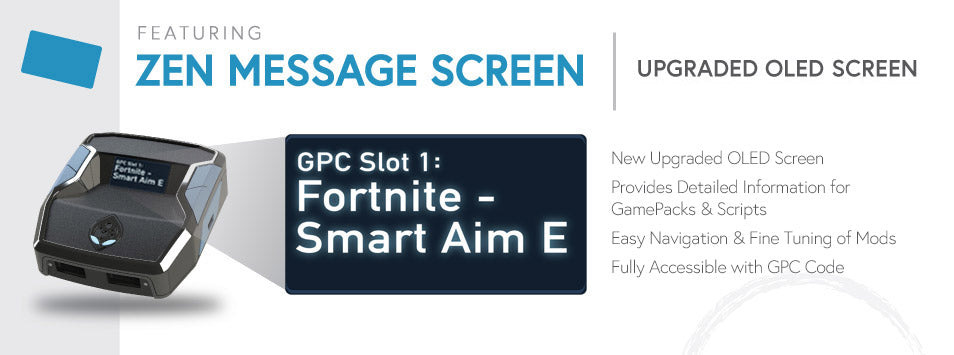
OLED Display
The Cronus Zen's OLED screen brings mods into the 21st century. Display detailed information on scripts and GamePacks, navigate through the menu systems created with the new open source commands in the GPC scripting language, and optimize your mods and GamePacks with ease. Spend less time setting up and more time playing.
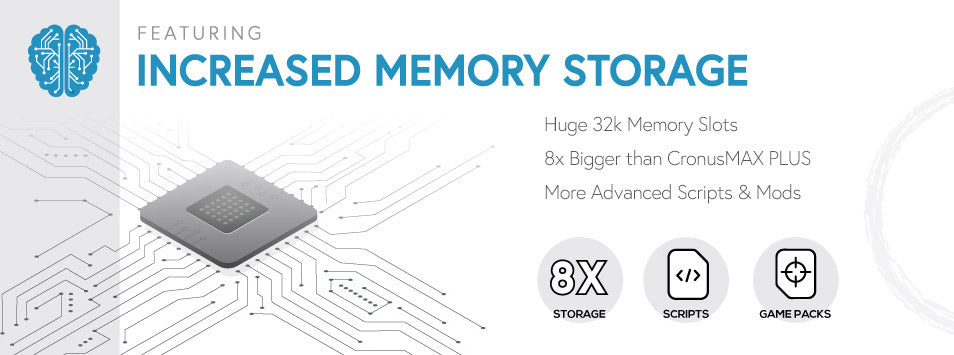
32K Memory Slots
To store your mods, scripts and macros, the Cronus Zen has eight huge memory slots with 32k capacity each. For comparison: the average GamePack for the award-winning CronusMAX PLUS was 4k in size and contained at least 10 really powerful mods with several configuration options.